
MarginEdge is one of the few restaurant back office products that publishes its price on its website. That alone makes it easier to evaluate than most of the category, where the pricing page is a form and the number arrives three calls later.
But a published price is not the same as a predictable total cost. MarginEdge charges per location, which behaves very differently depending on whether you run one busy restaurant or eight small ones, and the flat fee bundles invoice processing, inventory, recipe costing, and bill pay into a single line item whether or not you use all four.
This guide breaks down what MarginEdge costs in 2026, where the per-location model works in your favor and where it works against you, and six alternatives worth comparing. Every price below comes from published pricing that we checked while writing this. Where a vendor does not publish a price, we say so rather than guessing.
What MarginEdge actually costs
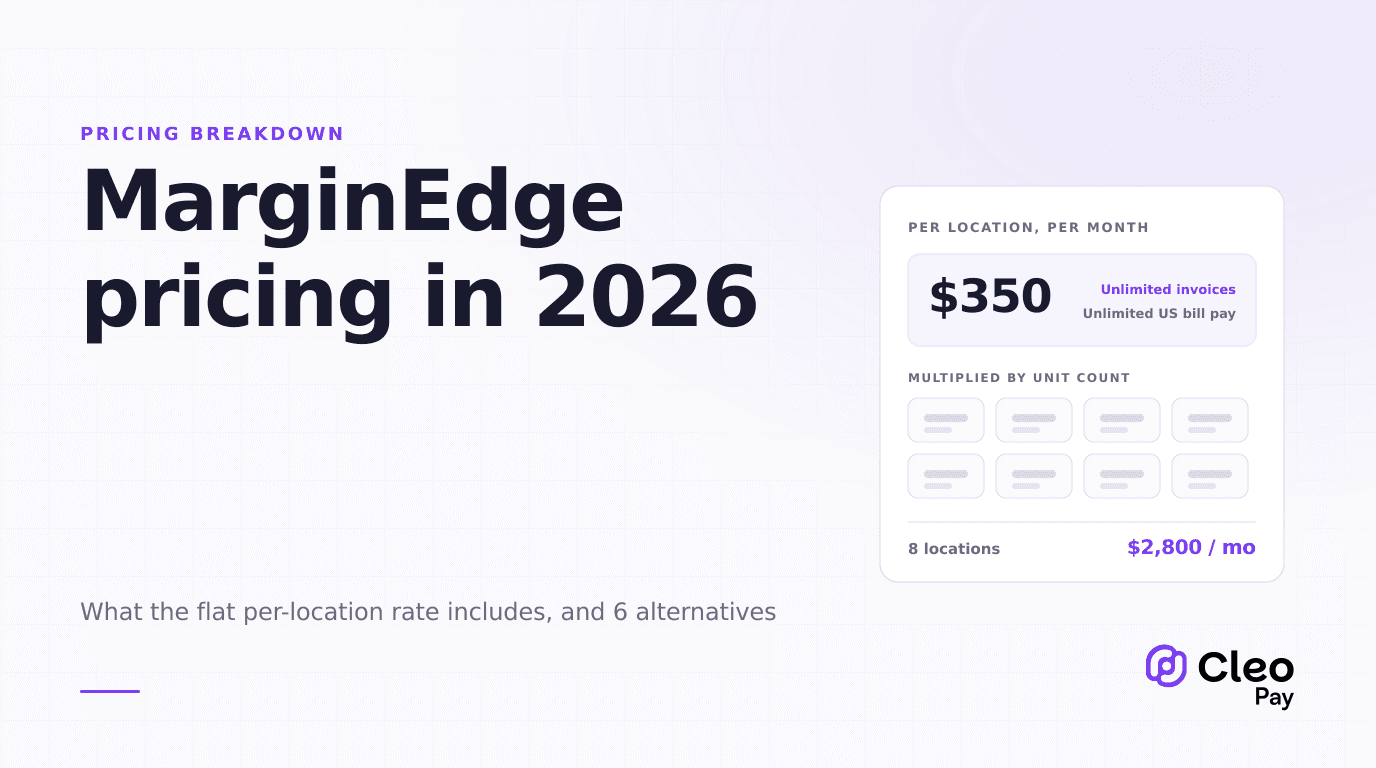
MarginEdge's published price is $350 per location, per month. Billed monthly there is no contract. Annual billing takes about 10 percent off.
What the base fee covers, per MarginEdge's own pricing page: unlimited invoice processing, unlimited US bill payments, email support, and one-to-one software training. There is no separate per-invoice charge and no per-payment charge, which is the single most important thing to understand about the model. A location that processes 80 invoices a month and one that processes 800 pay the same $350.
The main published add-on is Freepour, the liquor inventory scale, at an extra $150 per location per month, bringing that location to $500.
What is not in the $350
Two things worth confirming during a demo rather than assuming.
POS integration may carry a third-party fee. Some POS vendors charge for API access, and that charge comes from the POS company rather than from MarginEdge. It does not show up on the MarginEdge invoice, which is exactly why it surprises people. Ask your POS rep, not your MarginEdge rep.
Onboarding packages are sold separately. The base fee includes software training. Larger implementations, historical data loads, and chart of accounts remapping are typically scoped as their own project. If you are also cleaning up your GL structure at the same time, our guide to restaurant chart of accounts and invoice categorization covers what that work involves.
Where per-location pricing works, and where it does not
This is the whole analysis, and it comes down to one ratio: invoice and payment volume per location.
A single high-volume restaurant doing 600 invoices a month gets extraordinary value from an unlimited plan at $350. The same $350 applied to a 40-seat cafe doing 60 invoices a month is a very different sentence.
Now multiply by units. Eight locations is $2,800 a month, or $33,600 a year, before any add-ons. That is not unreasonable for a group that genuinely uses inventory, recipe costing, theoretical versus actual food cost, and daily controllable P&L. It is a lot for a group that bought the platform to stop writing checks.
Per-location pricing rewards depth and punishes breadth. The more you use inside each location, the better the number looks. The more locations you add without adding usage, the worse it looks.
The bundling question
MarginEdge is a restaurant operations platform that includes AP. It is not an AP tool. That distinction decides most of these evaluations.
If you want daily food cost, recipe costing, theoretical versus actual variance, and invoice line item detail flowing into your P&L, the bundle is the point and a standalone AP tool will not replace it. If you already run inventory somewhere else, or you genuinely do not run inventory, you are paying for a platform to get a payables module.
There is a third case that is easy to miss. Some groups want the invoice line item capture for costing but want payments to live somewhere else, because their approval policy, their banking relationships, or their contractor payments do not fit inside a restaurant ops tool. Running MarginEdge for costing and a separate payables tool for money movement is a legitimate architecture, not a failure to consolidate.
Total cost at three sizes
Worked math using published list prices. Your negotiated pricing may differ, and annual billing changes the MarginEdge column by roughly 10 percent.
The pattern is consistent. Per-seat tools get expensive as the back office team grows but stay flat as locations multiply. Per-location tools do the opposite. Per-payment tools track the actual work and sit in between.
If your back office is two people covering eight restaurants, per-seat pricing is very attractive and per-location pricing is not. If it is six people covering one hotel restaurant group, that reverses. Count both before you compare headline numbers.
Six alternatives worth comparing
An honest read on each. These are real tradeoffs, not a ranking.
1. BILL
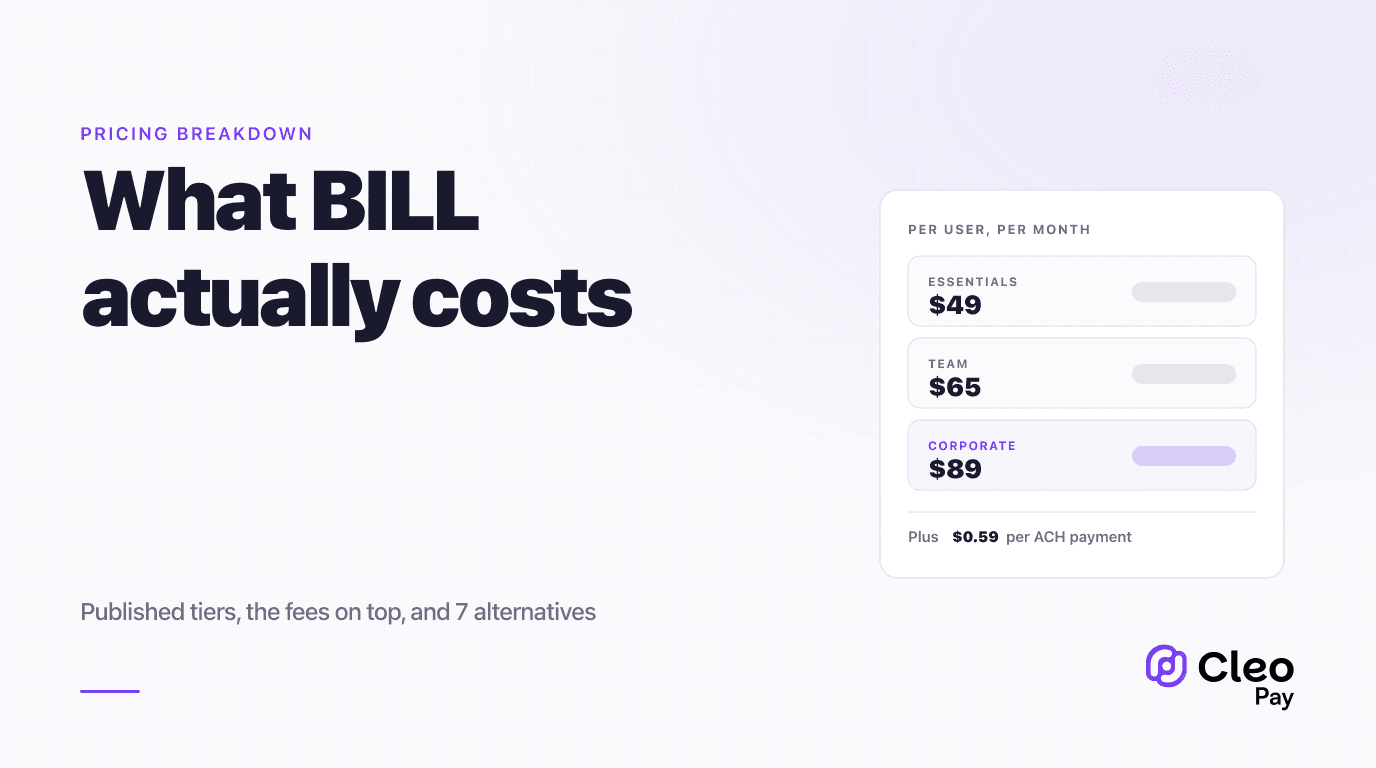
The default AP answer for good reason: mature approval workflows, a large vendor network, deep accounting integrations, and published pricing at $49, $65, and $89 per user per month across its three tiers. Transaction fees sit on top of the subscription, including $0.59 per ACH payment.
BILL is not restaurant-specific. It will not give you food cost, recipe costing, or invoice line item detail mapped to menu items. What it will do is handle payables properly at scale with real controls. We have a full breakdown in our BILL pricing guide.
Best for groups where AP volume and approval complexity are the problem, and inventory is handled elsewhere or not at all.
2. Ottimate, formerly Plate IQ
Ottimate came out of the restaurant world and rebranded from Plate IQ. Its invoice capture and line item coding are well regarded, and it has since expanded beyond restaurants.
The evaluation friction is that Ottimate does not publish pricing. It is quote-based, which means you cannot compare it on a spreadsheet without going through a sales process first. That is a real cost in evaluation time, and worth factoring in when you are running a short list.
Best for groups that want deep invoice automation and are willing to run a procurement process to get a number.
3. Restaurant365
The enterprise end of the category. Accounting, inventory, scheduling, and payables in one system, and for large multi-unit groups it can genuinely replace several tools plus a general ledger.
It is also the heaviest implementation in this list. Pricing is quote-based and scales with modules and units. Realistically this is a decision for groups past roughly eight to ten locations with a dedicated finance function, not a swap you make in a month.
Best for large groups consolidating accounting and operations into one platform.
4. Ramp
Corporate cards and spend management with bill pay attached, and a free tier. For a restaurant group where most spend already runs on cards and vendor invoices are a secondary flow, the economics are hard to argue with.
The limits show up when your vendors do not take cards, which in food and beverage is common, and when you need restaurant-specific coding. It is a spend management product that does bill pay, not a restaurant back office.
Best for groups with card-heavy spend and straightforward vendor payables.
5. Stampli
Built around the approval conversation. Stampli keeps discussion, documents, and approval history attached to the invoice itself, which is genuinely useful when approvals are the bottleneck rather than data entry.
It is not restaurant-specific and does not do costing. Pricing is quote-based.
Best for groups where invoices sit waiting on a GM or a partner for days and nobody can tell who is holding them.
6. Cleo Pay
Our own product, so read this with that in mind.
Cleo Pay prices on payment volume rather than seats or locations. Get Paid is free for vendors and contractors receiving payments. Basic is $99 a month with 15 payments and one seat. Plus is $199 a month with 50 payments and three seats. Pro is $299 a month with 100 payments and ten seats. Additional payments run $3, $2.50, and $2 respectively depending on tier.
AI invoice scanning, approval workflows, W-9 collection, and QuickBooks sync are included from Basic up. Automated 1099 filing comes in at Plus and Pro. Same-day payments over RTP are a Pro feature.
What Cleo Pay does not do is inventory, recipe costing, or theoretical food cost. If those are why you are looking at MarginEdge, we are not a replacement for it, and we would rather tell you that here than on a demo call. See current pricing for the live numbers.
Best for hospitality groups whose bottleneck is vendor and contractor payments, approvals, and January tax reporting, rather than inventory.
The rails question
Whatever platform you pick, the money still has to move, and the rail decides both cost and how long cash sits in your account. This part is independent of which software you buy.
- Speed
- 1 to 3 business days
- Cost
- Lowest per payment
- Best for
- Scheduled vendor invoices with normal terms
- Speed
- Same business day, cutoff applies
- Cost
- Premium per payment
- Best for
- Missed due dates and COD releases
- Speed
- 5 to 10 days including mail
- Cost
- Cheap to send, expensive to handle
- Best for
- Vendors who will not change
- Speed
- Immediate authorization
- Cost
- Percentage of spend
- Best for
- Vendors who accept it without surcharge
The economics of the last one deserve scrutiny. We wrote about what paying vendors by check actually costs once you count the handling, and the answer is usually higher than operators expect.
The January problem
One factor that does not show up in any pricing comparison, and reliably becomes urgent in the first week of January.
Restaurants pay individuals constantly. Musicians, private event staff, contract cleaners, repair techs, delivery drivers, and seasonal help. Those payments create Form 1099 obligations, and the rules changed for payments made in 2026.
This is worth testing during a demo, because the answer varies a lot. Ask specifically: does the product collect and validate W-9s before the first payment, does it track cumulative payments per recipient against the threshold, and does it file the forms or just export a CSV. Our 1099 compliance guide covers what good looks like here.
How to choose
Before you sign
The last item catches more people than the rest combined. Per-location pricing at your current size and per-location pricing at your planned size are different decisions, and the second one is the one you are actually making.
Frequently asked questions
The short version
MarginEdge publishes a real price, which is more than most of this category does, and $350 per location with unlimited invoice processing is a genuinely strong number for a high-volume restaurant that uses the full platform.
The question is not whether it is expensive. It is whether your constraint is costing or payables. If you need theoretical versus actual food cost, buy the platform. If you need vendor payments, approvals, and January to stop being a fire drill, you are paying platform prices for a module, and there are cheaper shapes.
Count your invoices per location, count your seats, and price the scenario at the size you plan to be in two years rather than the size you are now.
If payables is the part that hurts, Cleo Pay prices on payments rather than locations or seats, and we will tell you plainly when a restaurant operations platform is the better fit. Get started or see how it works for restaurants.