
In 2025, 42% of restaurant operators reported their business was not profitable, even as the industry posted record sales of $1.55 trillion. That disconnect, documented in the National Restaurant Association's 2026 State of the Restaurant Industry report, tells a story every operator should pay attention to: revenue isn't the problem. It's knowing where the money goes.
And that starts with a question most operators don't think about until it's too late: how is your chart of accounts structured, and are your invoices actually coded to it correctly?
The chart of accounts is your restaurant's financial blueprint
Your chart of accounts (COA) is the organized list of every category your business uses to classify money flowing in and out, revenue, cost of goods sold, expenses, assets, liabilities, equity. Every transaction in your accounting system maps to one of these accounts, and when those mappings are wrong, your financial statements are wrong.
For restaurants, the chart of accounts needs to reflect how the business actually operates. A generic COA with a single "Cost of Goods Sold" line tells you almost nothing actionable. As the accounting firm Ahlbeck & Cook notes, food inventory should be broken into categories like proteins, produce, dairy, dry goods, and beverages to support meaningful cost tracking and loss prevention. Some operators go even further, separating premium items like prime cuts or high-end spirits for tighter control.
The more specific your chart of accounts, the more useful your P&L becomes. A restaurant that only tracks "COGS, Food" as a single bucket can see that food costs are 33% of revenue but can't tell whether that's because beef prices spiked 14% (which the USDA confirms for early 2026) or because the kitchen is over-portioning produce. A restaurant with subcategories for proteins, produce, dairy, and dry goods can pinpoint the problem in minutes.
The real-world cost of a generic chart of accounts
Here's what typically happens when a restaurant runs a generic COA:
You can't calculate actual food cost by category. If proteins, produce, and dairy all land in one bucket, you're flying blind on which menu items are profitable and which are underwater. The National Restaurant Association's operations data shows food and non-alcohol beverage costs run roughly 32% of sales for full-service restaurants. But that's a blended average, your steak entrees and your salads have wildly different cost structures, and a single COGS line can't tell them apart.
Your menu engineering is guesswork. Without knowing what each ingredient category costs as a percentage of revenue, menu pricing becomes intuition instead of math. Industry benchmarks suggest food cost should land around 28–32% for full-service restaurants, but that range is meaningless if you can't see which categories are dragging the number up.
Vendor price creep goes undetected. When everything from shallots to beef hanger steak lands in the same account, a 15% price increase from your protein supplier gets averaged into the noise. You won't notice it until the monthly P&L review, and by then you've been overpaying for weeks.
Your P&L doesn't match reality. This is the bottom line. If expenses aren't categorized correctly, your profit and loss statement is an approximation at best. You might be "profitable" on paper while bleeding cash on a specific vendor or ingredient category.
The invoice is where it all breaks down
Here's the thing most operators miss: the chart of accounts is only as good as the data flowing into it. And in restaurants, the primary data source is the vendor invoice.
A typical restaurant receives invoices from 10–20 vendors per week. Each invoice has 10–30 line items. That's potentially hundreds of individual items per week that need to be classified into the correct account. A single Baldor delivery might include shallots (produce), canola oil (dry goods), calamari (seafood/protein), buttermilk (dairy), and pita bread (bakery), all on one invoice.
When that invoice gets coded as a lump sum to "COGS, Food," you've lost all the granularity. When it gets hand-keyed by a bookkeeper who doesn't know the difference between your protein and produce accounts, the data is actively misleading.
As Toast's guide on restaurant invoice processing puts it, invoices hold the critical details operators need to properly track costs and optimize spend. Digitizing that line-item detail and making it searchable is the foundation on which meaningful financial analysis becomes possible.
Why scanning every invoice matters
Invoice scanning using OCR (optical character recognition) isn't just about going paperless. It's about capturing line-item data that would otherwise be lost or manually entered with errors.
When you scan an invoice, each line item gets digitized: the item name, SKU, quantity, unit price, and total. That granularity is what allows you to assign each item to the correct account in your chart of accounts, calamari to COGS – Seafood, buttermilk to COGS – Dairy, avocados to COGS – Produce.
Without scanning, one of two things happens: the entire invoice gets coded to a single catch-all account (fast but useless for analysis), or someone manually types each item into the accounting system (slow, expensive, and error-prone).
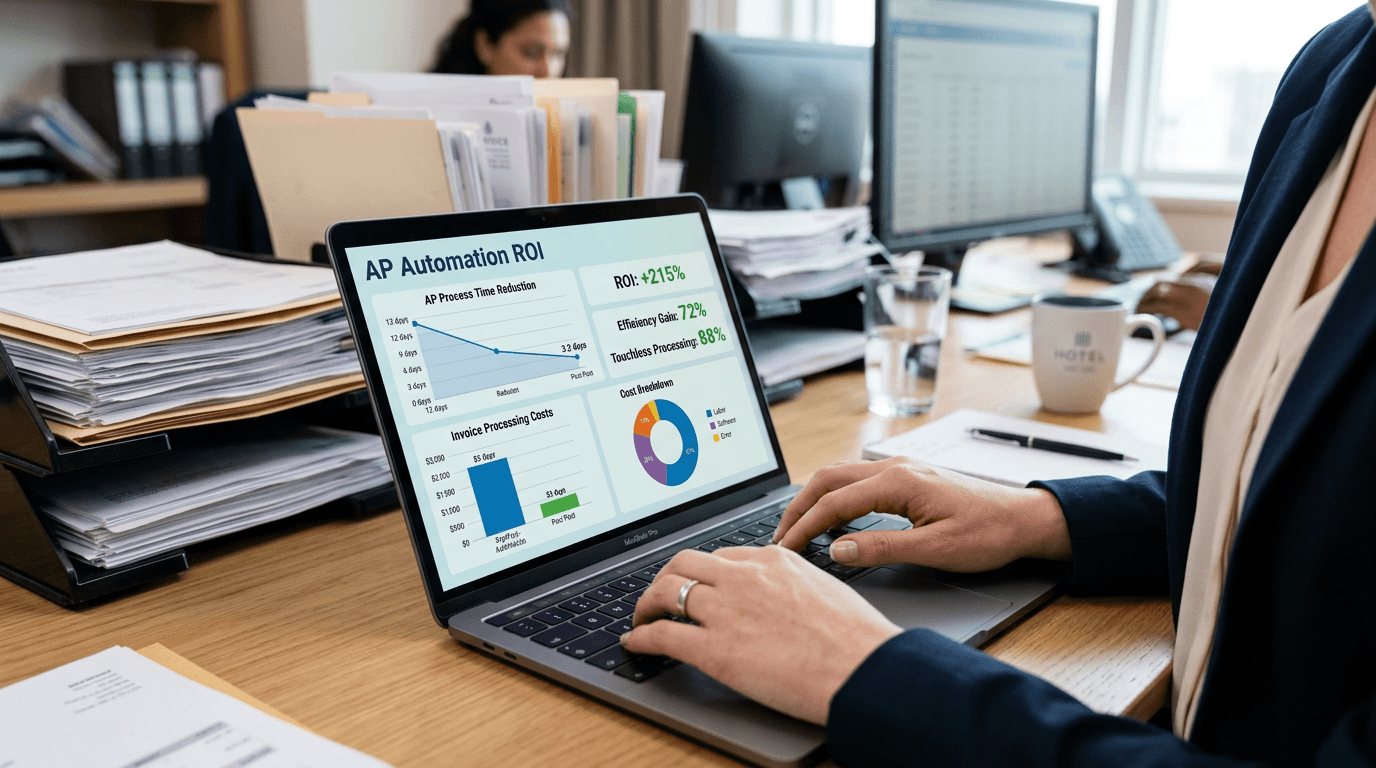
The math is straightforward. If you're processing 30 invoices per week with an average of 18 items each, that's 540 line items that need correct categorization. At even 30 seconds per item for manual entry and coding, you're looking at 4.5 hours of pure data entry every week, just for invoice categorization.
What a properly structured restaurant COA looks like
The National Restaurant Association's Uniform System of Accounts for Restaurants provides a standardized framework, but every restaurant needs to adapt it to their operation. Here's what the COGS section should look like at minimum for a full-service restaurant:
Cost of Goods Sold, Food
- COGS – Proteins (beef, poultry, pork, lamb)
- COGS – Seafood (fish, shellfish)
- COGS – Produce (vegetables, fruits, herbs)
- COGS – Dairy (milk, cream, butter, cheese)
- COGS – Dry goods (flour, rice, pasta, oils, spices)
- COGS – Bakery & bread
- COGS – Prepared / pre-made items
Cost of Goods Sold, Beverage
- COGS – Liquor
- COGS – Wine
- COGS – Beer
- COGS – Non-alcoholic beverages
Operating Expenses
- Kitchen supplies (disposables, packaging, cleaning chemicals)
- Smallwares (utensils, pans, tools)
- Equipment maintenance & repair
This level of granularity is what turns a P&L from a backward-looking summary into a forward-looking management tool. When you can see that protein costs jumped from 9% to 12% of revenue in a single month, you can negotiate with your supplier, adjust portion sizes, or re-engineer your menu before the quarter closes.
The connection between invoice data and P&L accuracy
Every line item on every invoice is a data point that flows into your P&L. The chain looks like this:
Vendor invoice → OCR scan → Line-item extraction → Account categorization → General ledger → P&L statement
If any link in that chain is broken, if the scan misses items, if categorization is wrong, if a $200 case of beef hanger steak lands in "produce", your P&L carries that error forward. And errors compound. A miscategorized $200 item every week for a year is over $10,000 of misallocated costs. Your food cost ratios, your prime cost calculations, your vendor comparisons, all of it is built on bad data.
This is why the process of scanning and categorizing invoices isn't an accounting chore. It's the foundation of every financial decision you make.
How Cleo Pay approaches this problem
At Cleo Pay, we built our invoice processing system around a simple principle: every line item on every invoice should be categorized correctly, automatically, and consistently.
When you scan or upload an invoice in Cleo Pay, our OCR engine extracts every line item, name, SKU, quantity, unit price, origin, unit of measure. Each item is then matched against your organization's specific chart of accounts using a combination of deterministic rules (items we've seen before) and AI prediction (new items).
Here's what makes this different from manual categorization or basic AP automation:
Your chart of accounts, not a generic one. Cleo Pay learns your categories. If your restaurant splits proteins into beef, poultry, and seafood subcategories, the system categorizes to that level. If you use a simpler structure, it respects that too.
Line-item granularity, not invoice-level guessing. Every item on a Baldor invoice gets its own categorization. The calamari goes to seafood, the avocados go to produce, the cream goes to dairy, even though they're on the same invoice from the same vendor.
Learning that compounds. Every correction you make teaches the system. Correct calamari from "COGS – Food" to "COGS – Seafood" once, and it remembers, not just for that item, but for similar items from the same vendor. Over time, the system handles repeat invoices with near-zero manual intervention.
QuickBooks sync built in. Cleo Pay syncs bills, vendors, payments and categories with QuickBooks Online. Pull a P&L in QuickBooks, and the data reflects every properly categorized line item.
The result: a P&L that actually tells you what's happening in your business. Not an approximation, the real numbers, categorized correctly, available as bills are coded.
The bottom line
With food costs running 35% above pre-pandemic levels and the USDA projecting food-away-from-home prices to rise another 3.9% in 2026, restaurants can't afford to guess where their money is going. Every dollar of COGS needs to be tracked, categorized, and visible.
That starts with a restaurant-specific chart of accounts. It's sustained by scanning every invoice and categorizing every line item. And it pays off in a P&L that's accurate enough to actually make decisions from, which vendors to renegotiate with, which menu items to reprice, which categories are trending in the wrong direction.
Your books should tell you the truth. If they're not, the problem probably isn't your revenue, it's how your expenses are being categorized.
Cleo Pay is an accounts payable platform built for restaurants and hospitality businesses. We scan, categorize, and manage your vendor invoices so your books are always accurate and your P&L actually means something. Learn more at cleo-pay.com
Sources
- National Restaurant Association, "2026 State of the Restaurant Industry Report" — restaurant.org
- USDA Economic Research Service, "Food Price Outlook: Summary Findings" (March 2026) — ers.usda.gov
- National Restaurant Association, "Restaurant Operators Kept Food Cost Ratios in Check in 2024" — restaurant.org
- Ahlbeck & Cook, "Restaurant Chart of Accounts Explained" — ahlbeckcook.com
- Toast, "How to Save Time and Unlock Costing Insights with Restaurant Invoice Processing Automation" — toasttab.com
- Barmetrix, "Restaurant Inflation: 2025 Trends, Data, and What to Do" — barmetrix.com
- Toast, "How to Organize and Optimize Your Restaurant Chart of Accounts" — toasttab.com