
Almost every travel advisor has the same file somewhere. A spreadsheet, a notes app, a folder of emailed PDFs, or a thread where a client sent their card number in three separate messages so it "wasn't all in one place." It works right up until the moment it does not: a chargeback you cannot document, a supplier who needs a fresh authorization on a Friday night, or a staff departure that leaves nobody sure who still has access to what.
This guide is for agency owners and operations leads who know the current setup is fragile and want to fix it properly. We cover what PCI DSS actually requires once you store card data, the four categories of tools agencies use today, the criteria worth scoring in a comparison, and the failure patterns that predict trouble.
The part most agencies get wrong about PCI
There is a widespread assumption that PCI DSS is something your payment processor handles. That is true only if you never touch card data yourself. The moment your agency keeps a client's card on file, in any system, you have created a cardholder data environment and you own responsibility for it.
Two specifics are worth internalizing before you evaluate any tool.
First, storing card data digitally moves you to SAQ D. The self-assessment questionnaires are tiered by how much card data you handle. Agencies that fully outsource payment capture can often use one of the short questionnaires. Agencies that store card numbers themselves land on SAQ D, which is the longest and most demanding of the set. A spreadsheet of card numbers on a shared drive does not reduce your obligations. It expands them, and it drags every device and account that can reach that drive into scope with it.
Second, the CVV cannot be retained after authorization. This is the rule most commonly broken in practice, because the CVV is exactly the thing an advisor wants on hand when a hotel calls for a card three weeks after booking. PCI DSS Requirement 3.3.1 prohibits storing sensitive authentication data, including the card verification code, once a transaction is authorized. If your current process is "keep the full card details in a doc so we can re-authorize later," that process is non-compliant no matter how carefully the doc is named.
The evaluation criteria that actually matter
If you are building a comparison grid, these are the criteria worth scoring. Most vendor feature lists will not volunteer them.
1. Where the card data actually lives
Ask directly: does the card number ever reside in your system, or is it tokenized and held by a compliant provider? A tokenized model replaces the card number with a reference value, so the sensitive data never sits in the tool your staff logs into. This is the single biggest determinant of how much PCI scope you inherit. If a vendor cannot answer this question crisply, that is your answer.
2. Compliance posture, in writing
Ask for the vendor's Attestation of Compliance and the version of PCI DSS it was assessed against. "We are secure" and "we use encryption" are marketing statements. An AOC is a document. Any serious provider will hand one over during procurement without friction.
3. Per-user access with individual logins
Shared logins are the quiet killer. If your team signs in with one account, you cannot answer the two questions that matter after an incident: who accessed this card, and when. Every advisor needs their own credentials, and you need the ability to revoke one person's access in seconds when they leave.
4. Audit logging you can actually export
A log that exists only in the vendor's admin panel is not much use when a card issuer asks for documentation. You want timestamped records of who viewed, added, or used a card, and you want to be able to export them. Chargeback disputes are won with documentation, not recollection.
5. Traveler profile handling beyond the card
Agencies do not only store cards. They store passport numbers, dates of birth, loyalty program credentials, and seat and dietary preferences. If your card vault handles cards but your passport scans still live in Dropbox, you have solved half the problem. Look for tools that treat the whole traveler record as sensitive.
6. Virtual and single-use cards
The strongest control for supplier payments is a card that cannot be reused. A virtual card issued for one booking, capped at the booking amount, removes the entire category of risk where a supplier stores your client's real card number in their own weak system. Ask whether virtual card issuance is included or an add-on.
7. Authorization form workflow
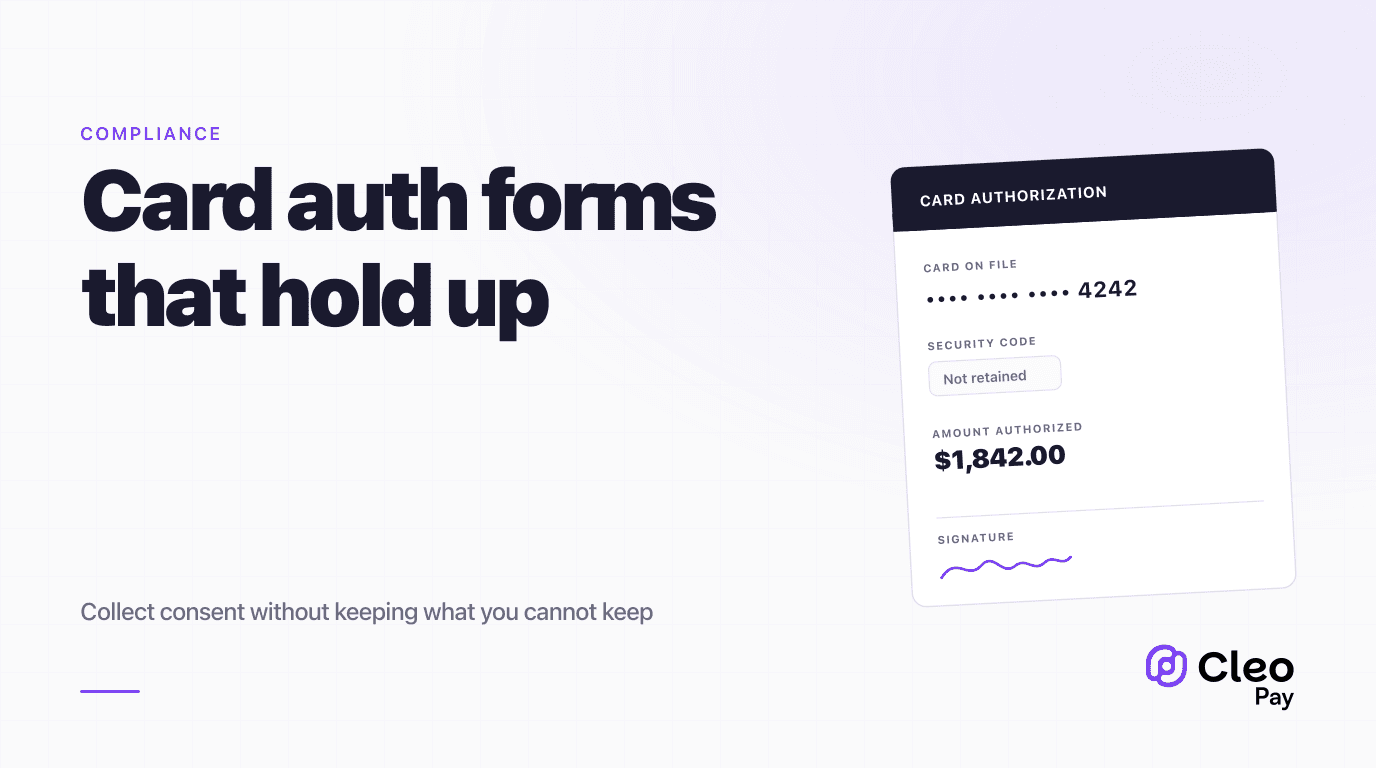
Most agencies need to send a hotel or tour operator a signed authorization. If your vault does not generate and store these, you will end up running a parallel PDF process, which is where the compliance gap reopens. See our companion guide on credit card authorization forms for what those forms need to contain.
8. Offboarding and data portability
Ask what happens when you leave. Can you export your traveler records? What is the deletion timeline for card tokens? An agency that cannot leave a vendor is not a customer, it is a hostage.
The four categories of solutions
Spreadsheets, docs, and notes apps. Free, familiar, and the reason this guide exists. They fail every criterion that matters after an incident. There is no per-card access log, no way to revoke one person's access without changing everything, and the data sits in general-purpose storage that was never scoped for cardholder data. If you take one thing from this guide, it is that this category is not a budget option. It is an uninsured liability.
General password managers. A real improvement over a spreadsheet, and many agencies land here. Modern password managers do offer encryption, per-user access, and some logging. The gap is that they are built to store secrets, not to run payment workflows. They will not generate an authorization form, issue a virtual card, tokenize a number so it leaves your scope, or give you a per-card audit trail formatted for a chargeback dispute. Treat this as a stopgap, not a destination.
Hotel-side and supplier-side authorization tools. Products like Canary Technologies sit on the property side and send the traveler or advisor a secure link to enter card details. When a hotel you book uses one, take advantage of it: the card goes straight into the property's compliant environment and never touches yours. The limitation is structural. You do not control which suppliers use them, coverage is inconsistent across your booking mix, and the record lives in the supplier's system rather than yours. This is a helpful input to your process, not a replacement for it.
Travel-specific vaults. Tools built around the advisor workflow: store a tokenized card against a traveler profile, keep passports and loyalty numbers in the same encrypted record, log every access, and generate the authorization the supplier is asking for. Cleo Pay's Travel Vault is in this category, and its public documentation describes tokenized storage, AES-256 encryption, per-user access with audit logging, and infrastructure built on Evervault and AWS Nitro Enclaves. The tradeoff versus a password manager is cost and the work of migrating your existing records.
Red flags that predict a painful outcome
The vendor cannot produce an AOC. Ask once, politely. If the answer involves deflection or a link to a marketing page about security, stop the evaluation.
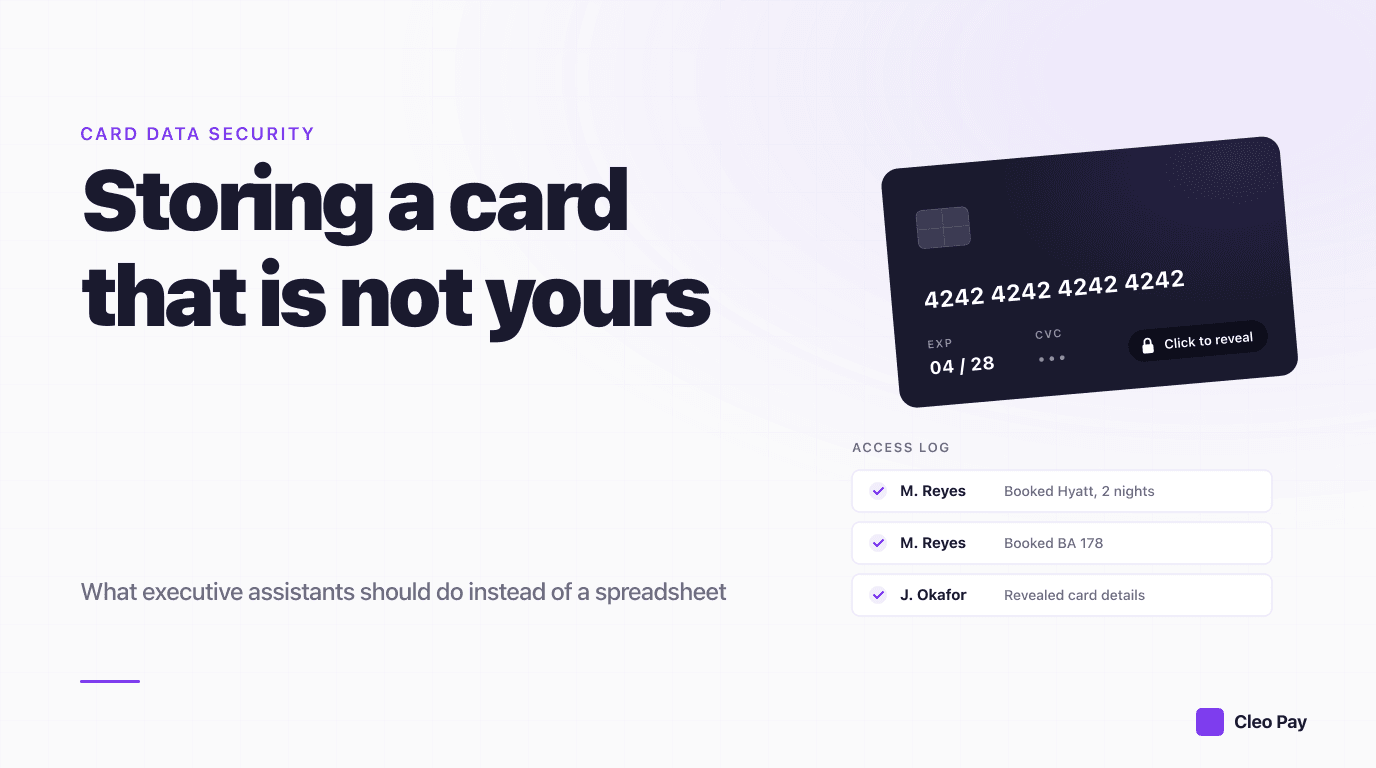
Card data is visible in full to any logged-in user. A well-designed vault shows the last four digits by default and requires a deliberate, logged action to use the full number. If every advisor can read every card at a glance, your audit log is recording activity you did not intend to allow.
No answer on CVV handling. Ask what happens to the security code after the first authorization. The correct answer is that it is not retained. Any other answer is a compliance problem you would be buying.
Migration is your problem alone. Moving a few hundred traveler records is real work. Vendors who will not help with it are telling you something about the support you will get later.
Pricing scales per card. Cards on file grow forever, because clients come back. A price that scales on stored records rather than seats or activity will punish you for exactly the customer loyalty you are trying to build.
What this costs, realistically
Budget for three things, not one. The software itself is usually the smallest line.
The second cost is process change. Advisors who have kept cards in their own notes for years will keep doing so unless the new tool is faster than the old habit. Build the vault into the booking workflow rather than beside it, and audit for stragglers in month two.
The third cost is the authorization workflow. If your agency sends supplier authorizations, that process needs to move at the same time. Splitting it, with cards in a vault and authorizations still in emailed PDFs, leaves the original exposure in place while adding a subscription. Move both or neither.
The short version
Storing client cards is a normal part of running an agency. Storing them in a spreadsheet is not a cost saving, it is deferred risk with no audit trail. The decision that matters most is whether card data lives inside a system your staff logs into or is tokenized and held by a compliant provider, because that single choice determines how much of PCI DSS becomes your problem.
If you are evaluating options, score the criteria above rather than the feature list, ask for the AOC, and confirm the CVV is not retained after authorization. Then move your authorization forms at the same time, so you close the exposure instead of relocating it.
If you want to see how a tokenized traveler vault handles the re-authorization workflow, book a walkthrough and bring one of your real bookings.