
QuickBooks Bill Pay, With the Approval Step Built In
Vendors submit invoices to a portal, someone approves before money moves, and the finished payment posts back to QuickBooks Online as a bill payment. Your books reconcile themselves.
Two-way sync with QuickBooks Online. Connect in minutes with OAuth.
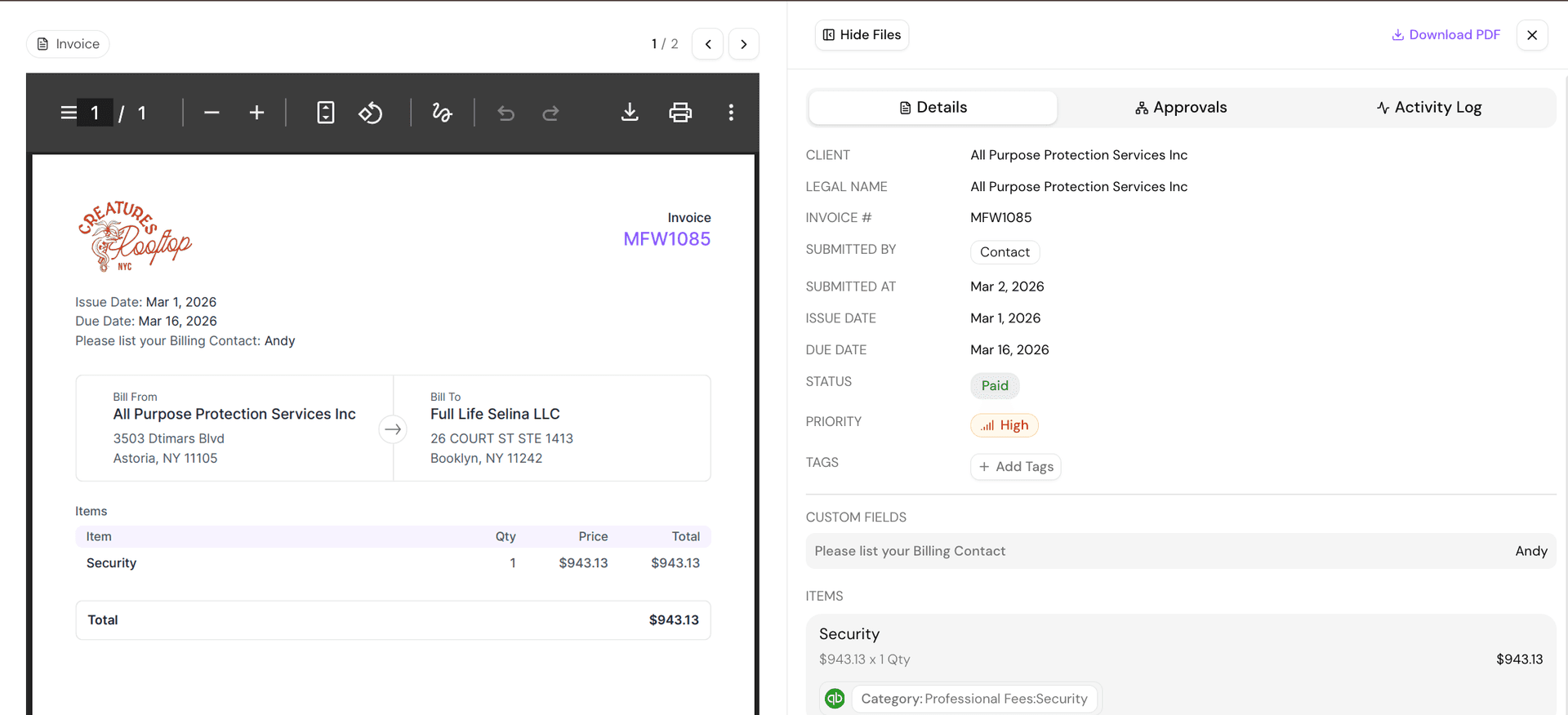
The lifecycle
From invoice to reconciled, without retyping
QuickBooks Online is very good at being the record of what you owe. The friction is everything that happens around that record: getting the invoice, deciding it is legitimate, moving the money, and then proving the two match. Cleo Pay owns that stretch and hands the finished result back.
- 01
The invoice arrives
Vendors submit through their own portal instead of emailing a PDF to whoever they have an address for. Smart Capture reads the amounts and line items, so nothing gets keyed in twice.
- 02
Somebody approves it
The bill routes for approval before any money moves. This is the step that usually does not exist when bill pay lives entirely inside an accounting file, and it is the one that catches duplicate and inflated invoices.
- 03
The money goes out
Standard ACH at no cost, or Fast ACH when a vendor cannot wait. You pick per payment rather than paying for speed on everything.
- 04
QuickBooks matches itself
The payment posts back as a bill payment against the original bill. The bill closes, the bank line reconciles, and the month-end match is already done.
Failure modes
Where bill pay usually breaks
The invoice lives in somebody's inbox
Vendors submit to a portal, so there is one queue instead of five inboxes.
Approval happens over text message, or not at all
Approval is a required step with a record of who approved what and when.
Payment happens in the bank, coding happens in QuickBooks
One action does both. The payment carries its coding with it.
Reconciliation is a month-end archaeology project
Each payment is already linked to its bill, so there is nothing to reconstruct.
Nobody can answer whether a vendor was paid
Status is visible on the bill, and the vendor can check it themselves.
QuickBooks stays the system of record
Nothing here replaces your accounting file. Your chart of accounts, categories, and vendor list stay in QuickBooks Online and flow into Cleo Pay, so coding does not drift and your accountant works where they always have.
Questions
Paying bills with QuickBooks
Can you pay bills directly from QuickBooks Online?
How does a payment made in Cleo Pay show up in QuickBooks?
Do I have to change how my chart of accounts is set up?
What happens if someone edits a bill in QuickBooks after it synced?
How fast do vendors get their money?
Can more than one person approve bills?
Does this replace QuickBooks?
Does it work with QuickBooks Desktop?
Watch a bill go out and land in QuickBooks
We will connect a sandbox to QuickBooks Online, run a bill through approval and payment, and show you the reconciled result.